
Techbleed provides IT support for dental offices in Glendale and Burbank, helping practices maintain stable, secure, and HIPAA-compliant technology environments that support both clinical and administrative operations.
Dental practices run on technology in a way most businesses don’t. Every patient interaction touches multiple systems scheduling, digital imaging, insurance verification, clinical documentation, billing. When one of those systems underperforms or goes down, the impact isn’t just an inconvenience.
It delays patient care, disrupts a tightly scheduled day, and creates compliance exposure that general IT problems don’t. Supporting a dental office requires more than knowing how to fix computers. It requires understanding how practice management software, imaging systems, and clinical workflows interact — and what happens to patient experience and revenue when they don’t.
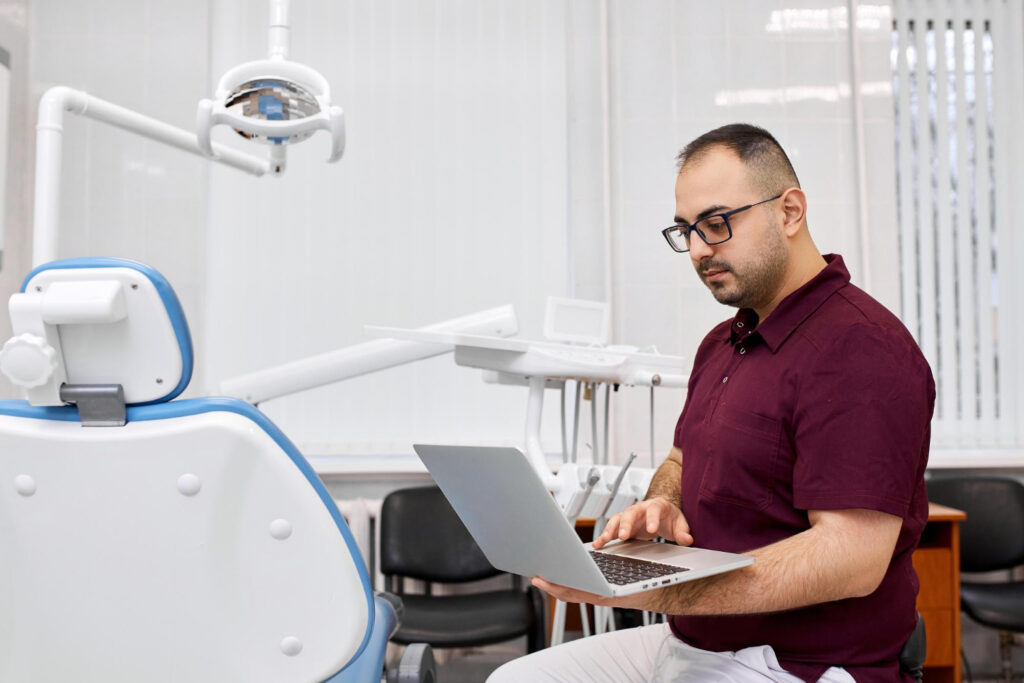
Why Dental IT Is Different From Standard Business IT
A law firm that loses internet access for an hour loses productivity. A dental office that loses access to its practice management system during patient hours can’t check patients in, can’t access treatment plans, can’t verify insurance, and can’t process payments.
The dependency is deeper, the workflows are more specialized, and the compliance requirements HIPAA in particular add a layer of responsibility that general business IT doesn’t carry. A support provider that understands networks but doesn’t understand Dentrix, digital imaging infrastructure, or healthcare cybersecurity requirements isn’t fully equipped to support a dental practice.
The IT Challenges Dental Practices Face Most Often
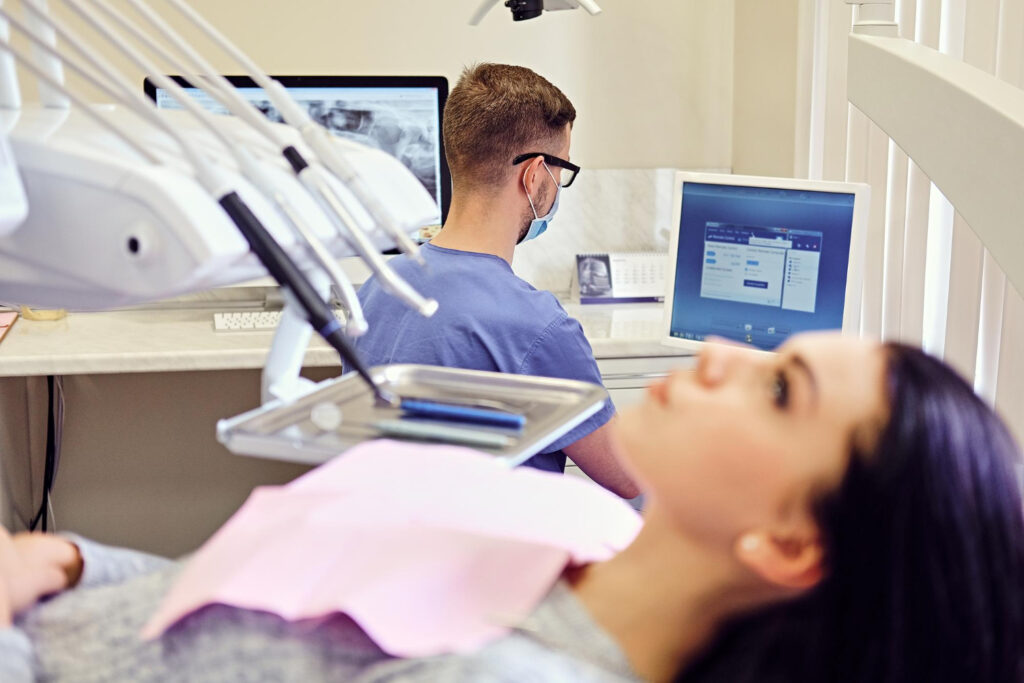
Practice Management Software Performance
Most dental practices run on Dentrix, Open Dental, or Eaglesoft. These platforms manage everything scheduling, treatment plans, billing, insurance processing, clinical documentation and their performance is directly tied to the infrastructure underneath them.
Outdated servers, fragmented databases, underpowered workstations, and poorly configured networks all degrade software performance in ways that accumulate throughout the day. A delay of a few seconds per patient interaction doesn’t sound significant until you multiply it across an eight-hour schedule. By the end of the day, that friction has affected every patient interaction and every staff member working the system.
Keeping practice management software running at full performance requires proactive server monitoring, regular database maintenance, workstation standards, and update management that doesn’t introduce new problems.
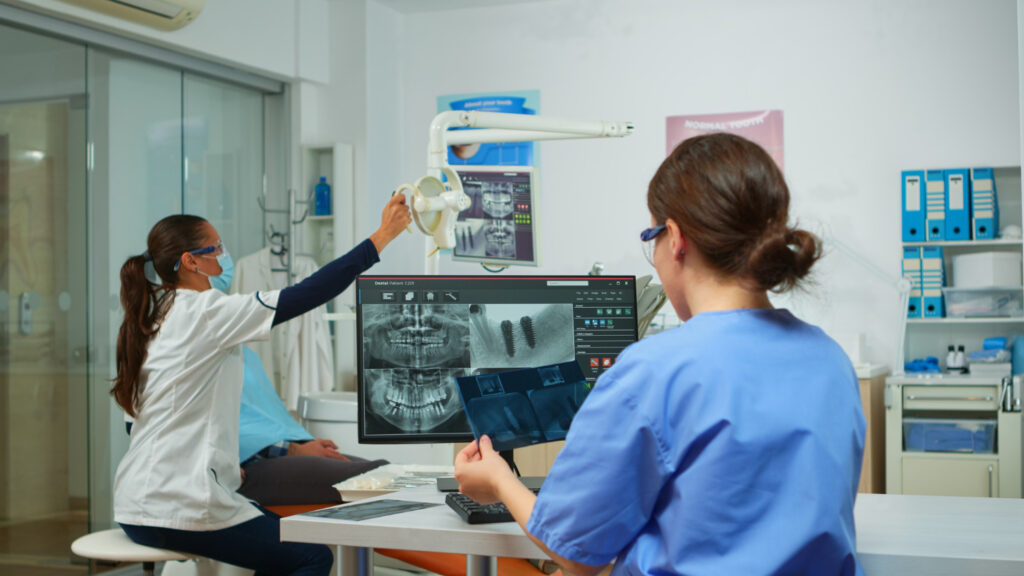
Digital Imaging and Large File Infrastructure
Modern dental imaging generates substantial data. Digital X-rays, panoramic images, CBCT scans, intraoral scans, and clinical photography require storage infrastructure, network capacity, and backup systems designed for large file volumes not standard business file storage.
The most common problems practices encounter are slow image loading during patient appointments, storage limitations that go unaddressed until they cause failures, network bottlenecks between imaging stations and servers, and backup systems that don’t handle imaging data reliably. As imaging technology advances particularly with CBCT and 3D scanning the infrastructure requirements increase accordingly.
HIPAA Compliance and Patient Data Security
Every dental practice stores information that falls under HIPAA patient records, treatment history, diagnostic imaging, insurance data, payment information. The technical safeguard requirements that come with that aren’t optional, and many practices discover significant compliance gaps only when a risk assessment reveals them.
The most common issues: shared user accounts that make audit logging meaningless, weak or reused passwords across systems, outdated software with known vulnerabilities, remote access configurations that weren’t set up with security in mind, and no formal process for reviewing who has access to what.
A compliant dental IT environment requires multi-factor authentication across systems, endpoint protection on every device, encrypted backups, role-based access controls, security awareness training for staff, and documented risk assessments conducted at regular intervals.
Cybersecurity Threats Targeting Dental and Healthcare Practices
Healthcare remains one of the most frequently targeted industries for cyberattacks and dental offices specifically are attractive targets because they hold valuable patient data while typically having fewer security resources than hospitals or large healthcare networks.
Ransomware is the most operationally damaging threat most practices will face. A successful ransomware incident can shut down scheduling systems, lock access to patient records, and take the practice offline for days. The recovery process if a clean recovery is even possible is expensive, time-consuming, and disruptive to patient care.
Phishing attacks, credential theft, and business email compromise are increasingly targeting practice staff rather than systems directly, because human error remains the easiest entry point. Proactive cybersecurity for a dental office means layered technical controls plus staff training that actually changes behavior.

Backup and Disaster Recovery
The most common backup problem in dental offices isn’t the absence of backups — it’s backups that have never been tested and don’t actually work when needed.
Practices discover this after a hardware failure, ransomware attack, or accidental deletion makes recovery necessary. Cloud sync services, which many practices rely on, are not disaster recovery solutions. They don’t protect against ransomware encryption, don’t maintain the point-in-time restore capabilities needed for database recovery, and often don’t cover the imaging data that represents the bulk of the practice’s critical information.
A sound backup strategy for a dental office means automated backups running daily, local copies for fast recovery, cloud copies for offsite protection, regular restoration testing, and documented procedures so recovery doesn’t depend on whoever happens to be available at the time.
Multi-Location Practice Connectivity
Dental groups operating across Glendale, Burbank, Pasadena, and the broader Los Angeles area face infrastructure challenges that single-location practices don’t. Centralized access to records, consistent security policies across locations, reliable site-to-site connectivity, and synchronized systems that don’t create administrative overhead all require deliberate network architecture.
Without it, the problems that emerge are familiar: synchronization issues between locations, inconsistent performance depending on which office a staff member is working from, security gaps at locations that weren’t set up to the same standard, and administrative complexity that grows with every additional site.
Downtime During Patient Hours
Dental practices run on scheduled appointments. A thirty-minute outage during a busy morning isn’t the same kind of problem for a dental office as it is for a business that can shift work to the afternoon.
Preventing downtime during patient hours requires proactive monitoring that catches hardware degradation and software instability before they cause failures, redundant internet connectivity for practices where an ISP outage would stop operations, and a managed IT relationship where response is fast enough to matter not a support ticket that gets addressed the next business day.
A Note on Compliance Responsibility
HIPAA places the responsibility for technical safeguards on the practice, not the software vendor or IT provider. Most breach investigations find that practices believed they were compliant based on what their software vendor or IT provider told them without a formal risk assessment to verify it.
A risk assessment conducted by an IT provider with healthcare experience is the only reliable way to understand your actual compliance posture. It’s also the documented evidence that demonstrates good-faith compliance effort if an incident ever requires it.
Ready to Discuss IT Support for Your Dental Practice?
Technology problems in a dental office affect patients, staff, and compliance simultaneously. If your practice is experiencing recurring IT issues, hasn’t had a formal security assessment, or is operating without a tested disaster recovery plan, those are risks worth addressing before they become incidents.