
IT support for dental offices helps keep scheduling, patient records, digital imaging, billing, and staff workstations available throughout the working day. When these systems slow down or stop communicating, the disruption can affect appointments, clinical workflows, and the patient experience.
For dental practices in Glendale, effective support starts with understanding how the office operates: which applications employees use, where information is stored, how imaging equipment connects, and who is responsible when something fails.
Techbleed provides IT support in Glendale to help businesses troubleshoot technology problems, maintain their systems, and coordinate technical issues with software and equipment vendors. For a dental office, the support scope should reflect its clinical and administrative requirements.
Why Dental Offices Need Specialized IT Support
A dental practice relies on several connected systems. Reception staff need access to appointments and insurance information. Clinical teams depend on patient records and diagnostic images. Administrative employees need reliable billing, communications, and document access.
A problem in one part of that environment can interrupt work elsewhere. A slow workstation may delay image loading, while a network interruption may prevent several employees from accessing the practice management system.
Dental IT support should account for:
- Practice management software and its technical requirements
- Digital imaging workstations, storage, and connectivity
- Staff accounts and appropriate access permissions
- Servers, computers, printers, and network equipment
- Backup and recovery arrangements
- Coordination with dental software and equipment vendors
- Maintenance windows that limit disruption during patient hours
The objective is to keep these systems working together and make responsibility for support clear.
What Should IT Support for Dental Offices Include?
The service scope depends on the practice’s applications, equipment, staffing, and existing vendor agreements. The following areas provide a useful starting point when evaluating support.
Practice Management Software Troubleshooting
Dental offices may use platforms such as Dentrix, Open Dental, or Eaglesoft to manage appointments, records, treatment plans, and billing.
When an application becomes slow or unreliable, the cause may involve a workstation, server, network connection, software configuration, or the application itself. Effective troubleshooting identifies which part of the environment is responsible before changes are made.
The IT provider should clarify which infrastructure issues it handles and when the software vendor needs to become involved. Application updates and database work should follow vendor guidance and agreed responsibilities.
Workstation and Device Support
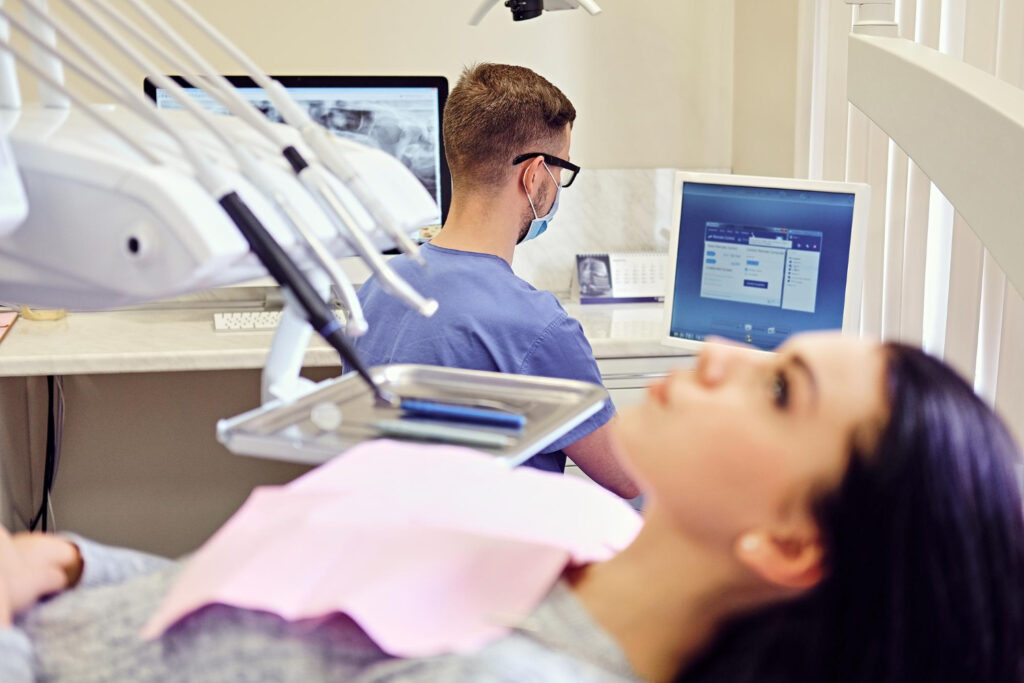
Reception computers, clinical workstations, printers, and scanners support different workflows. Their requirements should be evaluated according to the tasks they perform.
Support may include diagnosing recurring errors, managing approved updates, checking device performance, resolving printing problems, and planning replacements for unsupported equipment.
Documenting devices and recurring incidents also helps the practice identify patterns instead of repeatedly addressing the same symptoms.
Digital Imaging Performance
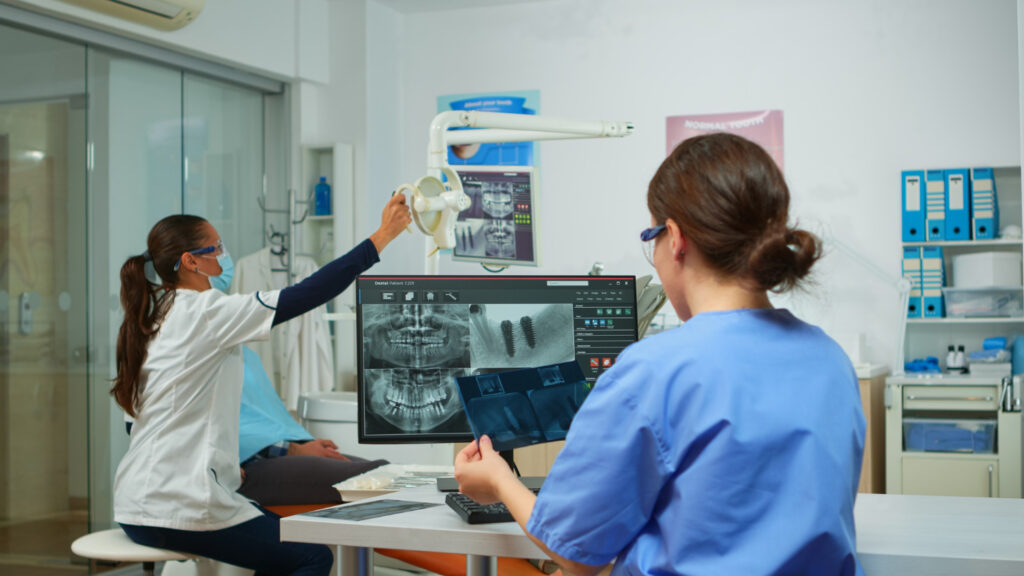
Dental images need to be available when the clinical team needs them. Slow loading or unreliable access can involve storage performance, network capacity, workstation specifications, or imaging software configuration.
Troubleshooting should consider the complete path between the imaging system, storage location, and viewing workstation.
Changes involving imaging equipment or specialized software should be coordinated with the relevant vendor to preserve compatibility and support arrangements.
Network and Connectivity Troubleshooting
Reliable connectivity supports access to records, cloud applications, phones, and shared resources.
A dental office may need assistance with intermittent connections, weak Wi-Fi coverage, slow transfers, or devices that cannot reach the systems they need.
Staff and guest access should also be reviewed so that patient Wi-Fi does not provide unnecessary access to business systems. Network changes should be planned around the practice’s operational and security requirements.
Vendor Coordination and Escalation
Dental practices often work with separate vendors for software, imaging equipment, internet connectivity, phones, and payment systems.
When a problem crosses these boundaries, employees need a clear escalation process. The support agreement should define who gathers diagnostic information, contacts vendors, tracks progress, and communicates updates to the practice.
This coordination helps prevent unresolved issues from moving between providers without a clear owner.
Patient Data Security and Access Control
Dental offices handle sensitive information, making access management an important part of the technology environment.
Security reviews should examine how accounts are created, which systems each employee can access, how remote connections are protected, and how access is removed when someone leaves.
Depending on the environment and assessed risks, protective measures may include:
- Individual user accounts and role-appropriate permissions
- Multi-factor authentication for supported systems
- Endpoint protection and software updates
- Secure remote-access arrangements
- Logging and review of relevant system activity
- Staff security awareness training
- Documented onboarding and offboarding procedures
Techbleed’s cybersecurity services can support the assessment and implementation of security controls within an agreed scope. These controls should work alongside the practice’s policies, training, and compliance processes.
IT Support and HIPAA Compliance: Understanding the Difference
Hiring an IT provider does not automatically make a dental practice HIPAA compliant.
For practices subject to HIPAA, compliance involves administrative, physical, and technical safeguards. Technology support can help implement and maintain parts of that environment, but compliance also depends on risk analysis, policies, workforce practices, documentation, and other applicable obligations.
An IT provider that qualifies as a business associate may also have its own HIPAA responsibilities. Where required, the relationship must be supported by an appropriate business associate agreement.
A technical assessment can identify weaknesses and help prioritize improvements. It does not, by itself, establish complete compliance or guarantee protection against future incidents.
The HHS summary of the HIPAA Security Rule explains the safeguards and responsibilities that apply to covered entities and business associates.
Backups and Recovery for Dental Systems
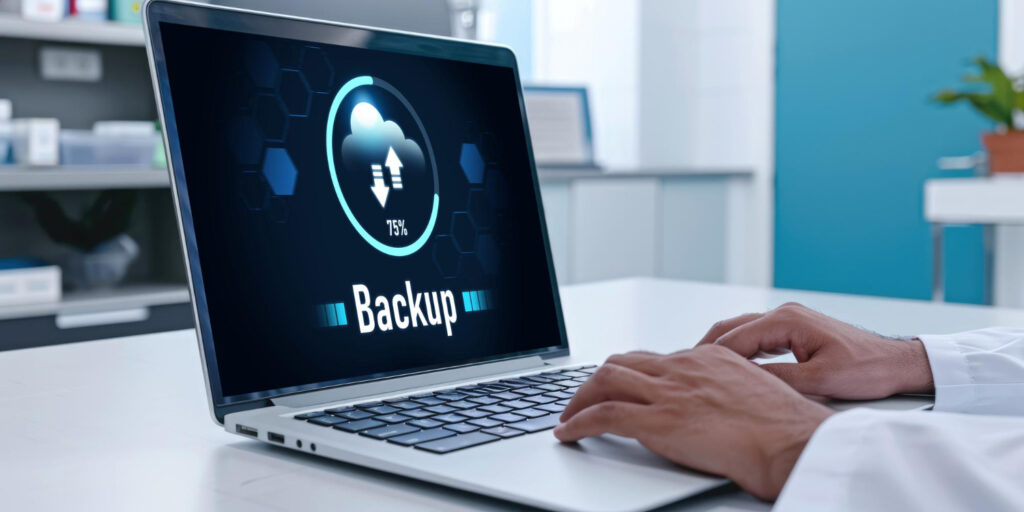
A completed backup job does not necessarily mean a practice can restore the systems it needs.
Recovery planning should account for patient records, application databases, imaging files, configuration information, and the dependencies required to use them.
A practical review should establish:
- Which systems and data are included in backups
- How frequently backups run
- How backup failures are detected and addressed
- How backup copies are protected
- How much data loss and downtime the practice can tolerate
- When restoration was last tested
- Who is responsible for recovery and vendor coordination
Cloud synchronization should not be assumed to provide a complete recovery solution. Retention, deletion recovery, ransomware protection, and application restoration capabilities need to be checked.
Where recovery requirements extend beyond routine support, backup and disaster recovery services can address backup design, recovery procedures, and restoration testing.
Choosing Dental IT Support in Glendale
Local availability matters when a problem requires physical access to equipment. Remote support is useful for many account, application, and configuration issues, while hardware failures or physical connection problems may require an on-site visit.
When comparing IT support for dental offices in Glendale, ask the provider to explain:
- Which applications, devices, and systems are covered?
- What support hours and contact channels are available?
- How are incidents that interrupt patient appointments prioritized?
- What response expectations and escalation procedures apply?
- When is on-site assistance available, and how is it priced?
- How are software and imaging vendors involved?
- Who manages accounts, updates, and technical documentation?
- Which projects and services require separate approval?
Techbleed is based in Glendale. The appropriate support arrangement should be defined around the practice’s location, technology, operating hours, and service requirements.
When a Practice Needs Complete Ongoing IT Management
A practice may need help with specific technical problems or a broader arrangement covering its entire technology environment.
Complete ongoing management can bring user support, monitoring, maintenance, security coordination, vendor management, and technology planning under an agreed service structure.
For practices seeking that broader responsibility, Managed IT Services in Glendale may be appropriate. The agreement should clearly define the included systems, responsibilities, reporting, exclusions, and escalation process.
Keep Your Dental Office’s Technology Ready for the Working Day
Reliable dental technology begins with understanding the systems your team depends on and resolving the issues that repeatedly interrupt work.
Start by identifying recurring problems, reviewing support responsibilities, and confirming that critical applications, access controls, and recovery arrangements receive appropriate attention.
Techbleed helps Glendale businesses assess their technology needs and define a practical support scope. For your dental practice, that conversation can begin with the systems and workflows causing the most disruption.
Frequently Asked Questions
What does IT support for dental offices include?
It may include workstation troubleshooting, network support, assistance with application connectivity, account administration, maintenance, and vendor coordination. The agreement should specify which systems are covered and whether security services, backups, and on-site assistance are included.
Can an IT provider help with dental software problems?
An IT provider can investigate infrastructure issues affecting dental software, such as workstation performance, server availability, and network connectivity. Application-specific errors, database changes, and specialized updates may require coordination with the software vendor.
Does hiring an IT provider make a dental office HIPAA compliant?
No. IT support can assist with technical safeguards, but HIPAA compliance also involves administrative and physical safeguards, risk analysis, policies, training, documentation, and other applicable responsibilities. Hiring a provider does not automatically establish compliance.
Can dental IT problems be resolved remotely?
Many account, software, and configuration problems can be investigated remotely through authorized access. Hardware failures, cabling faults, and some equipment issues may require on-site assistance.
What is the difference between dental IT support and managed IT services?
Dental IT support focuses on helping users and maintaining or troubleshooting the systems used by the practice. Managed IT services provide a broader ongoing management arrangement, potentially including monitoring, maintenance, security coordination, vendor management, and planning. The exact distinction depends on the agreed scope.


