
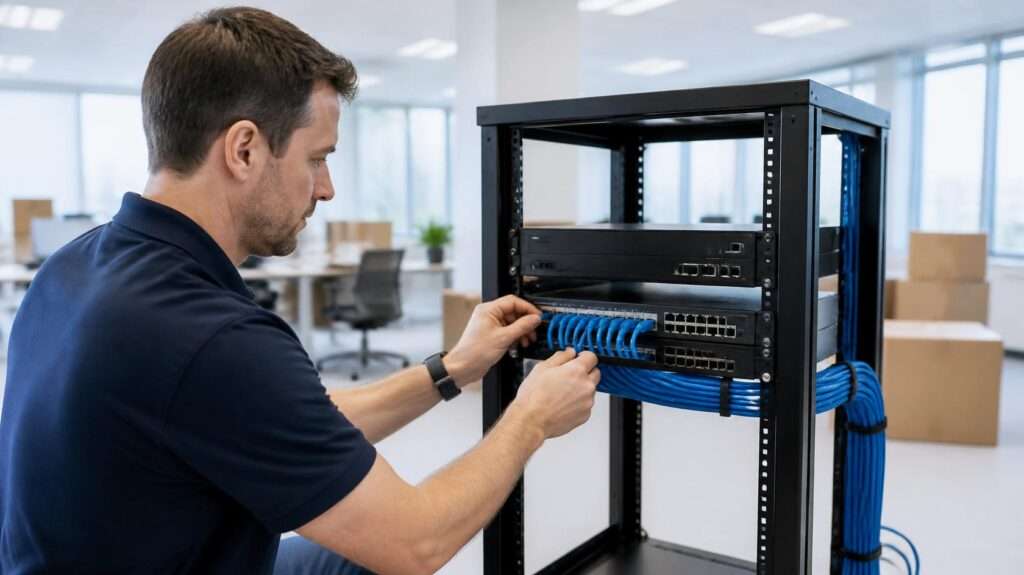
Opening a new office is exciting, but technology is often the part that slips. The lease is signed, furniture is ordered and the move date is set. Then, a week before opening, someone asks when the internet will be live. A good new office IT setup starts long before moving day, and it involves more than plugging in computers.
This checklist walks through the steps in the order they usually need to happen. It is based on the projects we handle as an IT services company in Glendale, where most offices sit in multi-tenant commercial buildings with shared telecom rooms, landlord rules and busy building managers.
When to Start Your New Office IT Setup
Start planning as soon as you have a likely address, ideally before the lease is signed. Some problems, such as poor internet availability or no space for network equipment, are much easier to solve before you commit to a space.
The timeline below is a practical guide. Larger offices, new construction and buildings without existing fiber may need more time.
| When | What to do |
|---|---|
| 8–12 weeks before | Walk the space, check the building’s telecom setup, request internet quotes |
| 6–8 weeks before | Order internet, finalize the floor plan, schedule cabling |
| 3–4 weeks before | Install cabling and network equipment, order devices, plan phones and printers |
| 1–2 weeks before | Configure the firewall, WiFi and accounts, back up all data, test the internet line |
| Move week | Move and connect equipment, test every workstation, printer and conference room |
| First 30 days | Fix issues quickly, document the setup, review security and backups |
1. Walk the Space and Check the Building’s Telecom Setup
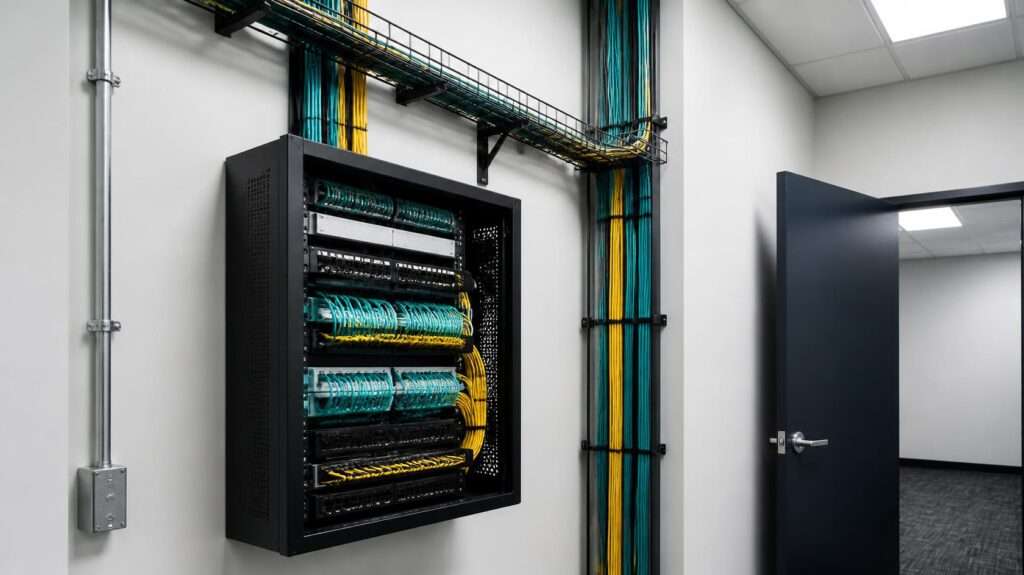
Before anyone talks about computers, look at how the building itself handles technology. In most commercial buildings, internet providers bring their lines into a main telecom room. From there, cabling runs through the building’s riser to each floor and suite.
During the walk through, check the following:
- Where the building’s main telecom room is, and who controls access to it
- Which internet providers already have service in the building
- Whether there is a clear cabling path from the telecom room to your suite
- Where your own network closet or equipment rack will go
- What the landlord requires for contractors, insurance and after-hours work
Poorly managed risers are a common cause of delays. Unlabeled cables, old lines from previous tenants and full conduits can turn a simple installation into a multi-week project. If the building’s telecom spaces are disorganized, riser management should be part of the plan from the start.
2. Order Internet Early and Plan a Backup Connection
Internet service is usually the longest lead item in a new office IT setup. If the building already has fiber from your chosen provider, installation may be quick. However, if the provider has to build new fiber into the building, it can take much longer.
To choose the right service:
- Check which providers serve the address. The FCC National Broadband Map is a useful starting point, but always confirm with the provider and the building.
- Estimate how much bandwidth you need. Count employees, video calls, cloud applications, phones and guest WiFi.
- Ask for upload speeds, not only download speeds. Video calls, cloud backups and file sharing depend on upload.
- Request a static IP address if you need it for remote access, cameras or specific applications.
For most businesses, a backup connection is worth the cost. A second line from a different provider, or a cellular backup, keeps phones, payments and cloud tools working when the main line goes down.
3. Plan Cabling, WiFi and the Network
Once you know the layout, map out where every connection is needed. It is far cheaper to run extra cables before the walls are closed and the furniture arrives.
Plan wired connections for:
- Every desk, including room for growth
- Printers, copiers and scanners
- Conference room displays and video systems
- Wireless access points, usually mounted on the ceiling
- Security cameras, access control and phones, if they use the network
WiFi deserves its own plan. A single consumer router will not cover a typical office. Business access points should be placed based on the floor plan, wall materials and the number of people in each area. Also, keep guest WiFi on a separate network so that visitors never share a network with company computers and files.
Good cabling and a well-designed network are the foundation for everything else. Our network infrastructure services cover structured cabling, switching and WiFi design for Glendale offices.

4. Prepare Power and the Network Closet
Network equipment needs a dedicated, secure space with stable power and airflow. A storage closet full of boxes is not a server room.
Check that the network closet has:
- A lockable door and limited access
- Enough power outlets on a dedicated circuit, if possible
- A battery backup (UPS) for the firewall, switches and internet equipment
- Ventilation or cooling, because network equipment produces heat
- Space for a small rack and neat cable management
At desks, plan enough outlets for computers, monitors and chargers. Surge protection is inexpensive and prevents many hardware problems.
5. Build Security Into the Setup
A new office is the easiest time to get security right. Setting it up correctly from day one is much simpler than fixing it after employees settle in.
Your security setup should include:
- A business-grade firewall, configured and updated before the office opens
- Multi-factor authentication (MFA) for email, Microsoft 365, remote access and financial systems. CISA’s MFA guidance explains why it blocks most account takeover attempts.
- Endpoint protection on every computer
- Secure remote access for staff who work from home
- Separate admin accounts with limited use
For small businesses that need a starting framework, the NIST Small Business Cybersecurity Corner offers free, practical guidance. If you want this handled for you, our cybersecurity services cover firewalls, endpoint protection and security monitoring.
6. Prepare Devices and User Accounts
Employees should be able to sit down on the first day and start working. That only happens when devices and accounts are ready in advance.
Before opening day:
- Order computers early, since supply delays still happen
- Install updates, security software and business applications
- Set up user accounts, email, shared mailboxes and permissions
- Decide where files will live, such as SharePoint, OneDrive or a file server
- Connect printers and test access to every application
Standardized devices and a documented setup make future support much easier. The same discipline applies when people leave, which is why we recommend a written process such as an employee IT offboarding checklist.
7. Plan Phones, Printers and Conference Rooms
These items are easy to forget until someone needs them on the first morning.
- Phones: If you use VoIP, confirm the number transfer (porting) date with your provider. Porting can take time, so start early.
- Printers and copiers: Coordinate delivery with the copier vendor and make sure each device has a network connection.
- Conference rooms: Test the display, camera, microphone and WiFi before the first client meeting.
- Security systems: Cameras, alarms and door access often depend on the network and need their own vendor coordination.
8. Back Up Everything Before Anything Moves
Moving servers, computers and network equipment always carries some risk. Drives fail, boxes get dropped and cables get mixed up.
Before the move:
- Run a complete backup of servers, shared files and critical systems
- Confirm the backup works by restoring a test file
- Make sure cloud data, including Microsoft 365, is covered separately
- Keep a copy of the backup off-site or in the cloud
If you do not have a tested backup, fix that first. Our backup and disaster recovery service is designed so a hardware failure or a bad day never becomes lost data.
9. Moving Day and the First Week
On moving day, focus on testing rather than assuming. A quick, structured check catches most problems before employees notice them.
- Confirm internet, backup internet and WiFi are working throughout the space
- Test every workstation, printer and phone
- Check video calls in each conference room
- Verify remote access and cloud applications
- Label equipment and document network settings, passwords and vendor contacts
Expect more support requests during the first few weeks. Small issues, such as a missing printer or a slow connection in one corner, are normal. What matters is having a clear way for employees to report them and someone ready to respond.
Our IT support in Glendale gives your team one place to report issues from the first day.
Quick New Office IT Setup Checklist
Use this short version as a working list:
- Building telecom room, riser and cabling path checked
- Internet ordered, backup connection planned
- Floor plan with every network connection marked
- Cabling, switches and WiFi access points installed
- Network closet secured, with UPS and ventilation
- Firewall configured, MFA enabled for all users
- Devices updated, secured and ready
- User accounts, email and file access set up
- Phones ported, printers and conference rooms tested
- Full backup completed and tested before the move
- Network and vendor information documented
Common Mistakes to Avoid
- Ordering internet too late. It is the most common reason a new office opens without a working connection.
- Relying on the previous tenant’s cabling. Old cabling may be damaged, outdated or unlabeled.
- Using consumer equipment. Home routers and unmanaged switches cannot handle a business network reliably or securely.
- Skipping the backup. A move is exactly when a backup matters most.
- Leaving no one in charge. Internet, cabling, copier, phone and security vendors all need one person coordinating them.
How Techbleed Helps With a New Office IT Setup
Techbleed plans and builds office technology for businesses and commercial properties in Glendale and across Los Angeles. We coordinate the building side, including telecom rooms and risers, and the business side, including networks, security and user devices. As part of our IT infrastructure solutions, we can take a new office from an empty suite to a working, documented setup.
After opening, our managed IT services keep the office running with monitoring, support, security updates and backups, so your team can focus on their work.
Planning a move or a new location? Contact Techbleed to start your new office IT setup.
New Office IT Setup FAQs
How far in advance should we plan a new office IT setup?
Start 8 to 12 weeks before the move, or as soon as you have a likely address. Internet installation and cabling usually take the longest.
Can we reuse the cabling left by the previous tenant?
Sometimes. Have it tested and labeled first. Old cabling is often damaged, outdated or connected to equipment that no longer exists.
Do we need a backup internet connection?
If your business depends on phones, payments or cloud applications, yes. A second provider or a cellular backup prevents a single outage from stopping work.
Who coordinates internet, cabling and phone vendors?
One person or one IT partner should own the whole project. Otherwise, vendors wait on each other and deadlines slip.


